
Diode · CO2 · Fiber - works with LightBurn, XCS & LaserGRBL
Your photo.
Laser-ready in 30 seconds.
EngraveBot turns photos and ideas into files your laser understands - dithered for your material, vectorized for cutting, depth-mapped for 3D relief. The free tools run right here in your browser.
No signup · No watermark · Your photo never leaves your device
New · Burn Twin ✨
See it under real light — before you burn
An engraving is a physical surface. Burn Twin shows the finished piece catching the light, and the exact dithered dots your laser will make — right here, in your browser.
Open Burn Twin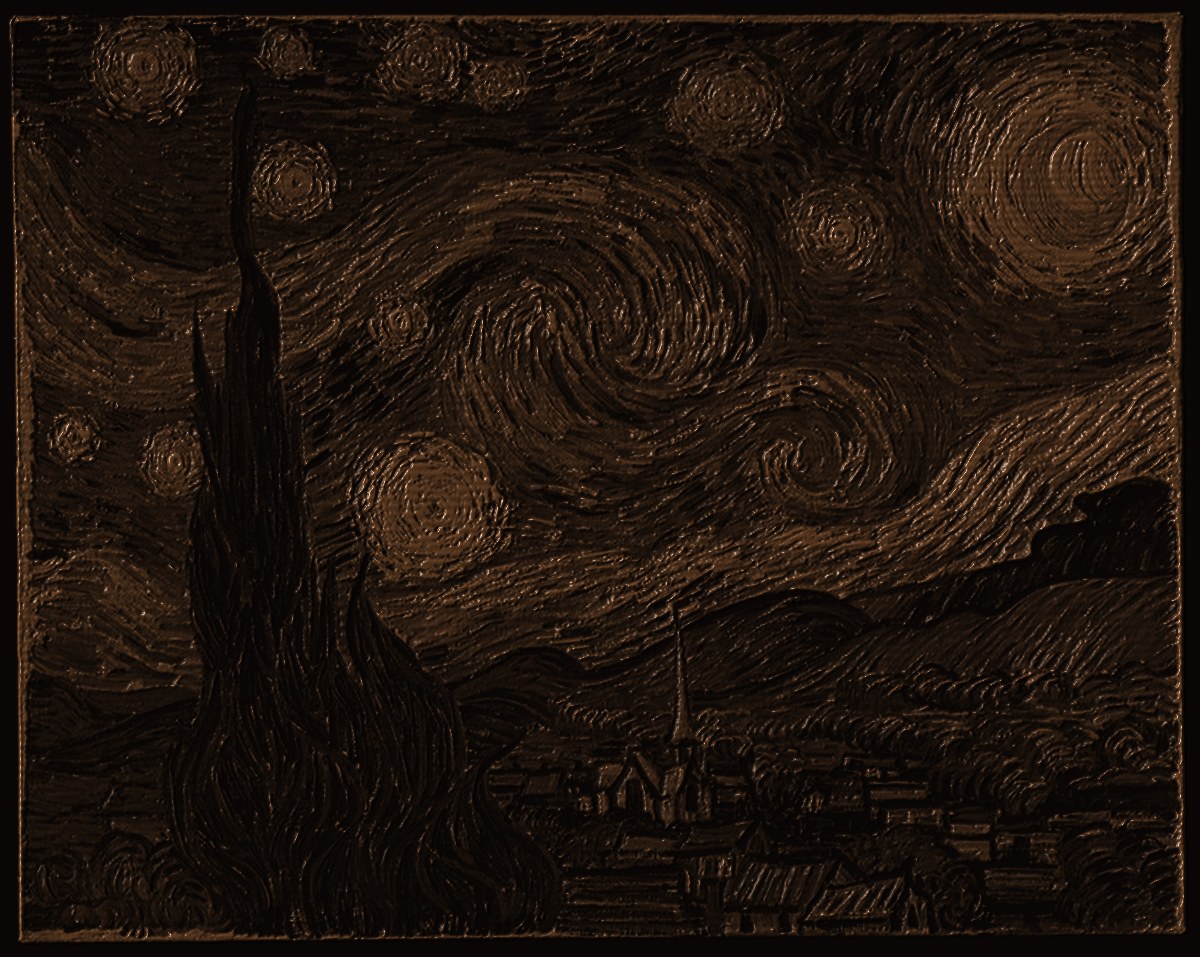 The Starry Night · engraved on walnut
One pass, five stations
The whole bench, in order.
- 01 / CLEAN
Remove the background
AI cutout tuned for portraits, pets and products. One click.
- 02 / PREP
Tune for your material
Presets for wood, plywood, slate, acrylic, anodized alu, glass, leather - gamma, contrast and auto-invert handled for you.
- 03 / DITHER
Convert to burnable dots
Floyd–Steinberg, Jarvis, Stucki, Atkinson or Bayer - matched to the surface.
- 04 / PREVIEW
See the burn first
Simulated result on your material, plus a 3D view for relief jobs. Save the scrap wood.
- 05 / EXPORT
Send it to the laser
PNG, SVG or a ready .lbrn2 project with speed & power filled in.
Free tools - each one does one job well
Open a tool, drop a file, done.
Dithering Lab
Compare five dithering algorithms side by side and pick what suits your surface.
free · in your browserImage to SVG
Trace logos and line art into clean vectors ready for cutting and scoring.
free · in your browserTest Grid Generator
Build a speed × power test grid for any material and dial in your machine fast.
free · in your browserDepth Map Studio
Flat photo to 3D relief: AI depth map, rotatable 3D preview, PNG + STL export.
free · in your browserPhoto to Laser
The full pipeline in one pass: material, auto-prep, dither, burn preview, export PNG or .lbrn2.
free · in your browserBackground Remover
Cut the subject out before engraving - transparent PNG or on white, on your device.
free · in your browser3D relief
Flat photos in.
3D relief out.
The Depth Map Studio estimates relief from a single photo's tones (an on-device estimator, not a neural depth model yet) and gives you the controls that matter at the laser:
- Gamma, contrast and near/far clip - adjust the relief live
- 3D preview before you burn a single pass
- Grayscale output drops straight into LightBurn 3D mode
- True single-photo AI depth model - planned for the cloud HQ plan
Settings database - in progress
Power & speed starting points, per machine.
A verified, community-voted database (real burns, photos) is on the roadmap. Today these are unverified starting points - always test on a scrap first.
Private by architecture
The free tools process your image on your own device, in the browser - nothing is uploaded. Cloud HQ processing is opt-in only, and the file is deleted after the job.
Pricing
Free to use. Pay when it pays you back.
Free
- All browser tools, full quality
- 3 HQ cloud files per day
- PNG & SVG export
- No watermark, ever
Pro
- Unlimited files & batch processing
- HQ depth maps on cloud GPUs
- .lbrn2 export with settings filled in
- Save material presets & project history
- Priority processing
Lifetime
- Everything in Pro
- Monthly pool of GPU credits
- All future tools included
- No subscription. We get it.
Questions
Before you ask on the forum.
Does it work with my laser?
Yes. EngraveBot outputs standard PNG and SVG files that every laser program reads - LightBurn, xTool Creative Space, LaserGRBL and others. Pro adds native .lbrn2 projects with speed and power pre-filled for your material.
Do my photos get uploaded anywhere?
The free tools run entirely in your browser - your image stays on your device. Only optional HQ cloud processing uploads the file, and it is deleted automatically when the job finishes.
Which materials are supported?
Built-in presets cover wood, plywood, slate, cast acrylic, anodized aluminum, glass and leather. Each preset sets gamma, contrast, the right dithering algorithm and DPI - and auto-inverts for materials that engrave light-on-dark, like slate and anodized aluminum.
Can I sell what I make with it?
Yes - every file you create is yours, for personal or commercial use. Because files are made from your own photos and ideas, they hold up as original work under marketplace originality rules.